EasyTrace5000 Documentation
Browser-based CAM for PCB prototyping
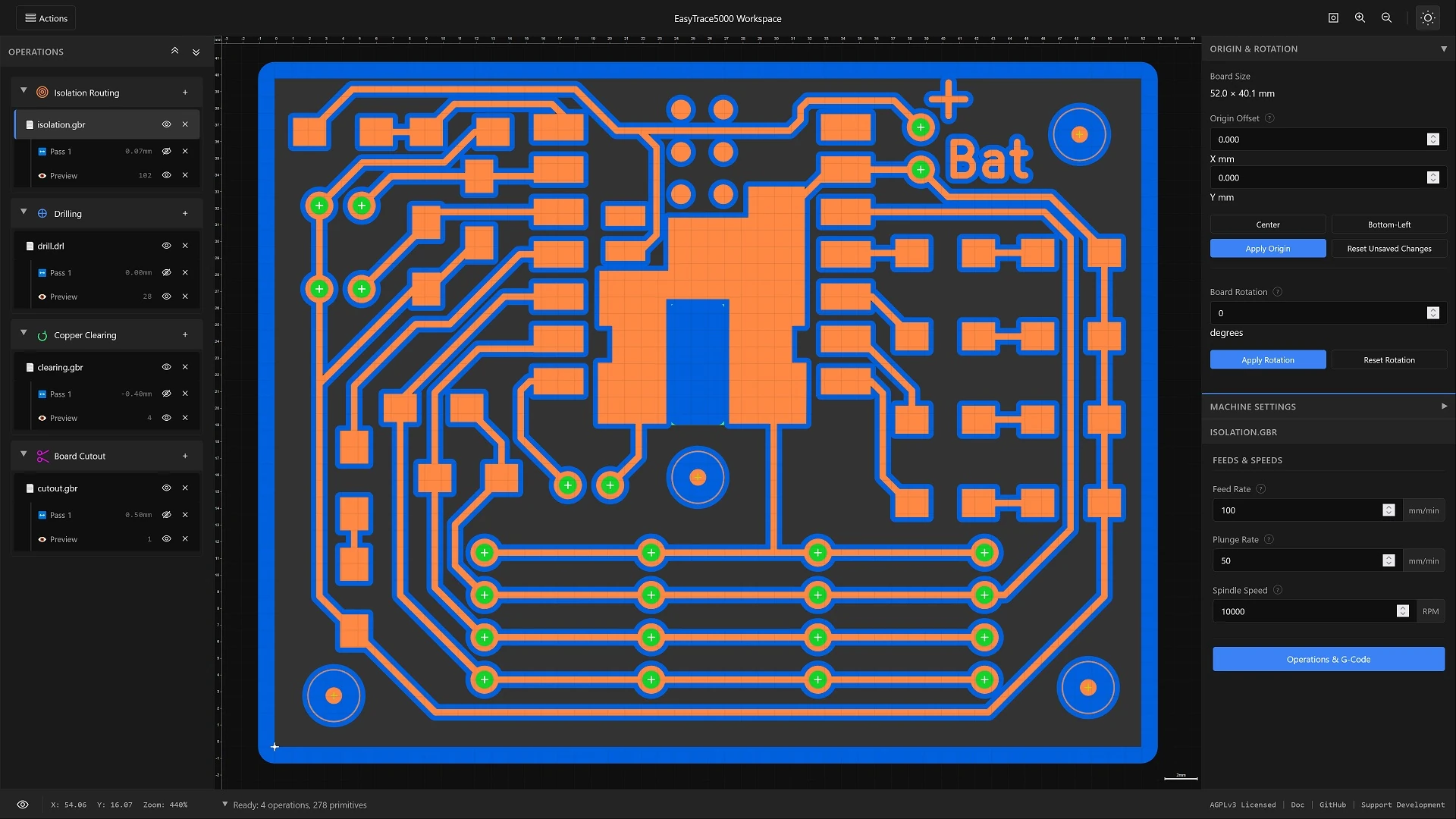
What is EasyTrace5000?
EasyTrace5000 is an open-source, browser-based CAM (Computer-Aided Manufacturing) tool for PCB prototyping. It processes your design files (Gerber, Excellon, SVG) and generates output for your manufacturing equipment—whether that's a CNC router or a laser system.
Everything runs locally in your browser. No installation, no cloud uploads, no accounts. Your files stay on your machine.
Processing Pipelines
EasyTrace5000 supports multiple manufacturing methods. Choose the pipeline that matches your equipment:
CNC Milling Stable
Generate G-code for isolation routing, drilling, copper clearing, and board cutout. Supports GRBL and other common controllers.
Laser Processing In Development
Export optimized vectors and rasters for fiber, UV, and diode laser systems. Direct ablation, photoresist exposure, and stencil workflows.
Supported File Formats
Gerber (RS-274X)
Standard PCB copper layer and outline files. Supports .gbr, .ger, .gtl, .gbl, .gko.
Excellon
Drill files containing hole positions and sizes. Supports .drl, .xln, .txt.
SVG
Scalable Vector Graphics for custom outlines or designs. Supports arcs and Bézier curves.
Quick Start Guide
The workflow adapts based on your chosen manufacturing method. Select your pipeline below:
CNC Milling Workflow
- Load: Drag and drop your Gerber/Excellon files into the workspace.
- Machine: Set your post-processor and other machine specific parameters.
- Offsets: Select a tool diameter, set your passes, and click Generate Offsets.
- Preview: Define your cut depth and entry strategy, then click Generate Preview.
- Export: Open Operations & G-Code, configure your feeds and speeds, and export your G-code.
Laser Processing Workflow
- Load: Drag and drop your Gerber/SVG files into the workspace.
- Machine: Set your laser spot size and choose your export format (SVG or PNG).
- Geometry: Choose a clearing strategy (Offset, Fill, or Hatch) and click Generate Laser Paths.
- Export: Open the Export Manager, assign layer colors for your control software, and download.
Controls & Accessibility
EasyTrace5000 is optimized for keyboard efficiency and screen reader support.
Global Navigation
- F6 Cycle focus zones (Toolbar / Sidebars)
- Tab Navigate focusable items
- Esc Context-aware close/deselect
- F1 Open in-app help
View Controls
- Home / F Fit to view
- + / - Zoom in/out
- Arrow Keys Pan canvas
- Shift + Arrows Fast pan
Operations Tree
- ↑ / ↓ Navigate items
- → / ← Expand/Collapse
- Space Select / Toggle
- V Toggle visibility
- Del Delete selected
Accessibility Features
The application targets WCAG 2.1 Level AA compliance.
- Focus Zones: Use F6 to jump between the Toolbar, Operations Tree, and Property Panel without tabbing through every element.
- Skip Links: A hidden link appears on the first Tab press to jump directly to the main canvas.
- Screen Readers: All icons include `aria-label` descriptions. Status updates (file loading, errors) are announced via Live Regions.
- High Contrast: A theme system is already implemented and high-contrast themes will be introduced alongside custom themes.
For a detailed breakdown of ARIA roles and compliance status, check out the Accessibility page.
Project Sponsors
EasyTrace5000 is open-source software supported by community sponsors.
Your logo displayed here and in documentation